To convert audio to text, upload your recording to an automatic transcription service — Any2Text, Whisper and similar tools — choose the language and settings, run recognition and edit the result. On a clean recording, the accuracy of modern neural networks stays in the 95–99% range.
Reading text is 3–5 times faster than listening to the same audio recording. This guide covers what transcription is, the step-by-step process, a comparison of 8 services and expert tips for maximum accuracy.
What audio transcription is and why turn sound into text
Audio transcription is the conversion of spoken speech from an audio or video recording into written text. It differs from subtitling in the format of the result: subtitles come out as an SRT file with timecodes tied to specific video frames, while transcription produces continuous text. It differs from translation in that it doesn't change the language — only the form in which the speech is presented.
The value of transcribing an audio recording lies in practical things. Text makes it easy to search for a specific fragment and quote an exact phrase. Search engines don't index audio files directly, but they index text perfectly, so transcribing a podcast has an SEO benefit. A single audio file turns into several content formats at once: an article, subtitles, a set of quotes for social media. A text version also makes content accessible to people with hearing impairments. The finished result is usually saved as DOCX, SRT or TXT, depending on where the text will be used next.
How automatic speech recognition works
Automatic speech recognition goes through several stages: the audio signal is first pre-processed, then an acoustic model breaks the sound down into phonemes — the smallest units of sound — and a language model assembles them into words and phrases using context. By analogy, the acoustic model works like an ear that catches sounds, while the language model works like a brain that understands the meaning of what was said.
Neural networks are trained on thousands of hours of labelled speech and recognize more accurately with every update. Cloud services process a recording on a remote server, while local models like Whisper run directly on the user's computer without sending the file anywhere. One rule holds for any option: the quality of the source audio file determines the quality of the transcription.
Compatibility with the digital audio format also affects the final result: the service first converts the uploaded recording into an internal format for analysis, and the fewer losses the source file carries, the cleaner the acoustic features fed into the model. Compressed formats with a low bitrate — for example, voice messages from messengers in OGG — are recognized noticeably worse than a recording from a dictaphone or a professional microphone.
Who needs to turn audio into text: roles and scenarios
How to turn an audio recording into text is a question that comes up for specialists across very different fields:
- a journalist — to transcribe an interview in a few minutes instead of hours of manual typing;
- a student — to turn a lecture recording into notes for exam prep;
- a marketer — to make a blog article out of a podcast;
- a manager — to write up meeting minutes without a dedicated person taking notes for the whole hour;
- a researcher — to transcribe a focus group in order to analyze participants' answers;
- a content creator — to get subtitles for a YouTube video;
- an HR specialist — to keep a text version of an interview recording for later comparison of candidates.
The output format should match the scenario. For interviews, DOCX is more convenient — the text can be edited straight away and turned into a finished publication. For a YouTube video you need SRT with timecodes so the subtitles line up with the frame. For a meeting with several participants, choose a service with diarization right away — otherwise the lines of different people merge into a single wall of text and you'll have to work out who said what by hand. For lectures and webinars, a plain text file without timecodes works fine — here content matters more than synchronization with the sound.
How to make text from sound: a step-by-step process
A simple seven-step algorithm walks you through the whole process — from choosing a service to a finished file of text:
- Choose a service for your specific task.
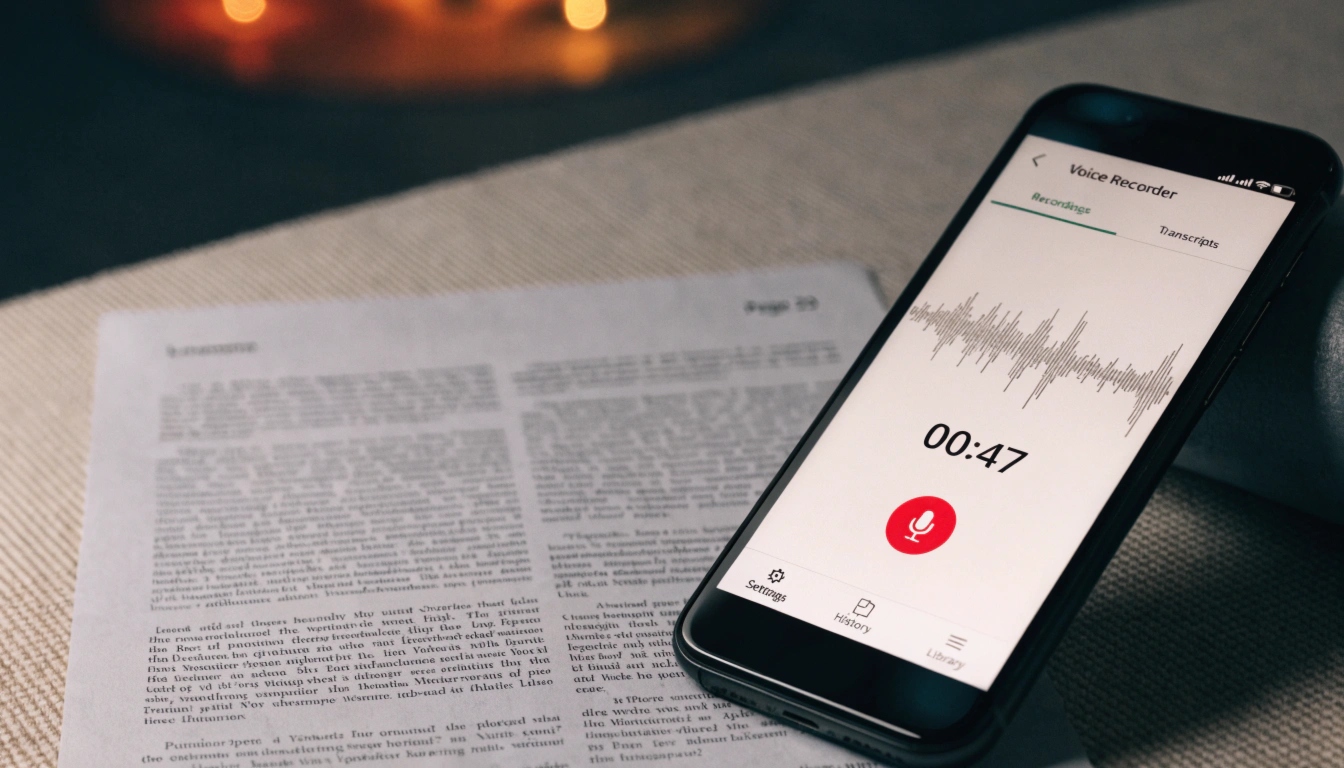
- Prepare the audio file: save it as MP3, WAV or M4A, record in a quiet room, use an external microphone where possible and level the volume before uploading.
- Upload the file to the service or paste a link to it.
- Set the language of the recording and configure the options — diarization, automatic punctuation.
- Run recognition.
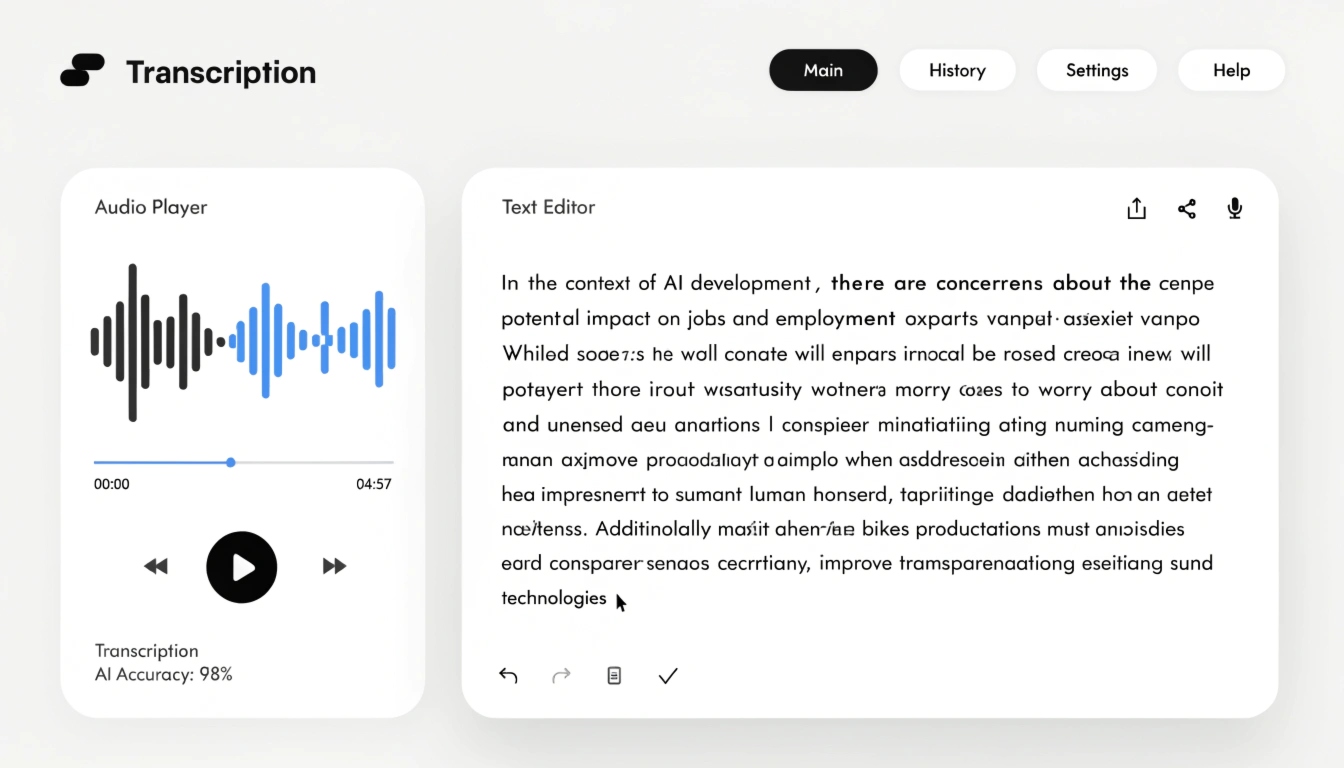
- Check the finished text and edit it by hand — even at 99% accuracy the system can distort individual names and specialized terms.
- Export the result in the format you need — DOCX, SRT or TXT.
An overview of 8 services for turning audio into text
Below are eight service options for transcription, from simple free tools to professional paid ones, followed by a comparison of all eight across key parameters: language coverage, accuracy, unique features and cost.
Any2Text
A service for transcribing audio and video with support for dozens of formats and recognition accuracy up to 98%. It separates speaker turns (diarization) and can bring raw text to a clean, book-style form — automatically removing filler words and repetitions. Post-processing modes include a short summary of the recording and formatting as a structured article. Export is to DOCX, XLSX, SRT and TXT, and there's a free starter allowance of minutes to assess quality. The web interface offers synchronized playback — clicking a fragment of text jumps audio playback to that moment, which is handy when checking exact quotes from an interview.
Otter.ai
A popular tool for meeting notes and live transcription. It records and transcribes in real time, identifies speakers and generates automatic summaries. It integrates with Zoom, Google Meet and Microsoft Teams. It's strongest in English, and the free tier covers a limited number of minutes per month. Export is to TXT, DOCX and SRT.
Google Cloud Speech-to-Text
One of the most accurate engines for many languages, available through an API — meaning it connects to your own programs and websites. It supports timecodes and profanity filtering. Setting it up requires development work, so this option suits a team that has a developer to configure the integration.
Rev
Combines automated transcription with an optional human-review service for near-perfect accuracy. It offers fast turnaround, is strong on English and exports to SRT, VTT, DOCX and more. The automated tier is cheaper, while human transcription costs more per minute.
Trint
Multi-language transcription with a polished online editor that links the text to the audio for quick verification. It supports speaker labels and subtitle export, and is aimed at newsrooms and content teams. Free access is limited to a trial.
Whisper (OpenAI)
A free, open-source model that you install locally on your computer. It shows high accuracy across many languages and copes well with accents and background noise. Limitations: diarization isn't built in, punctuation often needs manual cleanup, and getting it running requires basic Python or command-line skills.
Mymeet.ai
Specializes in transcribing business meetings, integrates with Zoom and Google Meet, separates speakers and adds timecodes. Free access is limited, and punctuation occasionally contains errors.
Sonix
A claimed recognition accuracy of 99%, support for more than 53 languages and over 30 export formats, including SRT, VTT, Word and PDF. Data is protected with AES-256 encryption. Pricing is subscription-based and can add up for heavy use, so it's best suited to teams with a steady volume of recordings.
Service comparison
| Service | Languages | Diarization | Auto-punctuation | Timecodes | Free access | Export | Best for |
|---|
| Any2Text | 50+ | Yes | Yes | No | Starter allowance | DOCX, XLSX, SRT, TXT | Interviews, podcasts, text post-processing |
| Otter.ai | Mainly English | Yes | Yes | Yes | Limited monthly | TXT, DOCX, SRT | Meetings and live notes |
| Google Cloud Speech-to-Text | 100+ | Yes | Yes | Yes | Free API quota | Text, timecodes | Developers |
| Rev | Mainly English | Yes | Yes | Yes | No (paid) | SRT, VTT, DOCX | High-accuracy needs |
| Trint | 30+ | Yes | Yes | Yes | Trial | Text, SRT, DOCX | Newsrooms, content teams |
| Whisper | Many | No (built-in) | Partially | Yes | Fully free | Text | Technical users |
| mymeet.ai | Multiple | Yes | Yes | Yes | Limited | Text | Calls and meetings |
| Sonix | 53+ | Yes | Yes | Yes | Trial | SRT, VTT, DOCX, PDF | International content |
For a one-off task, a beginner can start with Otter.ai's free tier or Whisper — both cost nothing and need little setup. For a business with regular meetings, mymeet.ai or Otter.ai are more convenient — they offer diarization and video-call integrations. For interviews, podcasts and material that you want not just transcribed but immediately brought to a readable form, Any2Text fits well with its book-style cleanup and short summaries of recordings.
How to achieve maximum accuracy: expert tips
Speech-recognition accuracy comes down to three things: the quality of the algorithm, the preparation of the recording and the right service settings:
- Record in WAV rather than MP3 — the uncompressed format keeps more sound detail and improves recognition accuracy.
- Use an external microphone instead of the built-in microphone on a phone or laptop.
- Don't mix languages in one recording — switching between languages noticeably lowers accuracy.
- Turn on diarization if two or more people speak in the recording, otherwise their lines merge into one solid block of text.
- Always check names, terms and abbreviations by hand — even a good recognition model periodically errs precisely on these.
- When working with niche terminology, choose services with a custom dictionary — you can set the spelling of specific words in advance, and the model adapts to them.
- Pay attention to security: check where uploaded files are stored, whether there's encryption and whether you can delete a recording after processing. Whisper processes data locally on your machine, Sonix uses AES-256 encryption — review each service's storage and deletion policy before uploading sensitive material.
- Test a service on your own recording; on someone else's perfect file, accuracy almost always looks higher than on real-world audio.
Common mistakes when transcribing audio and how to avoid them
- Uploading a WhatsApp voice message in OGG format without converting it — convert the file to MP3 or WAV before uploading so the service recognizes the speech more accurately.
- Setting the wrong recording language — choose the language manually and don't rely on auto-detection, especially if the recording contains borrowed words.
- Recording on a built-in microphone in a room with echo — switch to an external microphone and, where possible, choose a quiet room without reflected sound.
- Skipping the final text check — proofread proper names and professional terms, since the automation most often errs there.
- Exporting to the wrong format — for video you need SRT with timecodes, and for publishing an article you need DOCX.
- Trusting a single service without verification — compare two or three options on the same real recording before choosing your main working tool.
Key takeaways
- Neural-network accuracy on a clean recording reaches 95–99% — automatic transcription has become the standard way of working with audio.
- The quality of the source recording determines most of the success of a transcription.
- For a beginner starting out, Otter.ai or Whisper work well — both are free to try.
- For business and regular meetings, mymeet.ai or Otter.ai are more convenient.
- For interviews and podcasts with follow-up text work, it's worth trying Any2Text — the service brings the transcription to a readable, book-style form right away.
- Names, terms and abbreviations in the finished text should always be checked by hand, regardless of a service's claimed accuracy.
Try one of the free tools right now — transcribing a short recording with Any2Text takes only a couple of minutes. If you're working with video, see how to convert video to text as well.