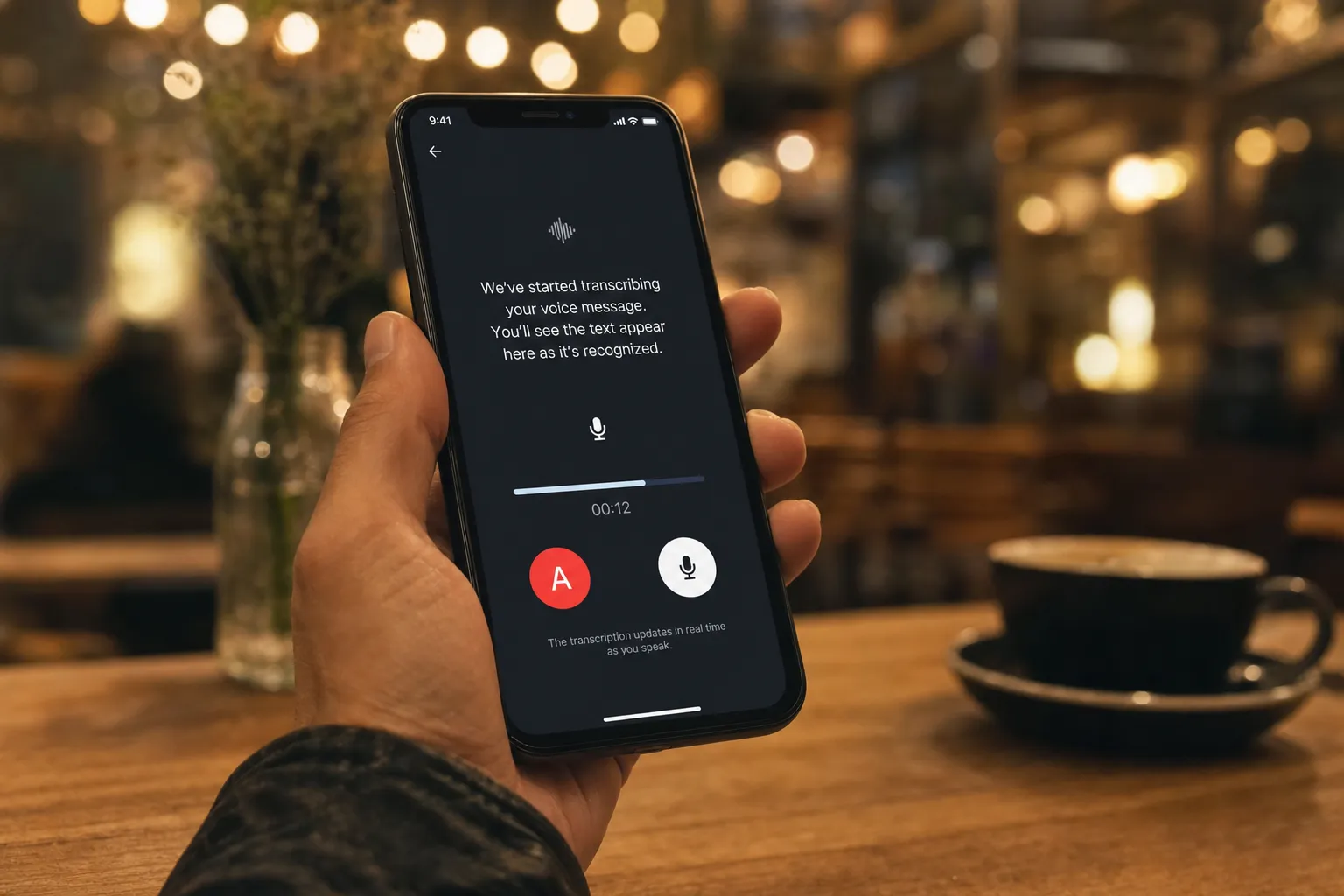
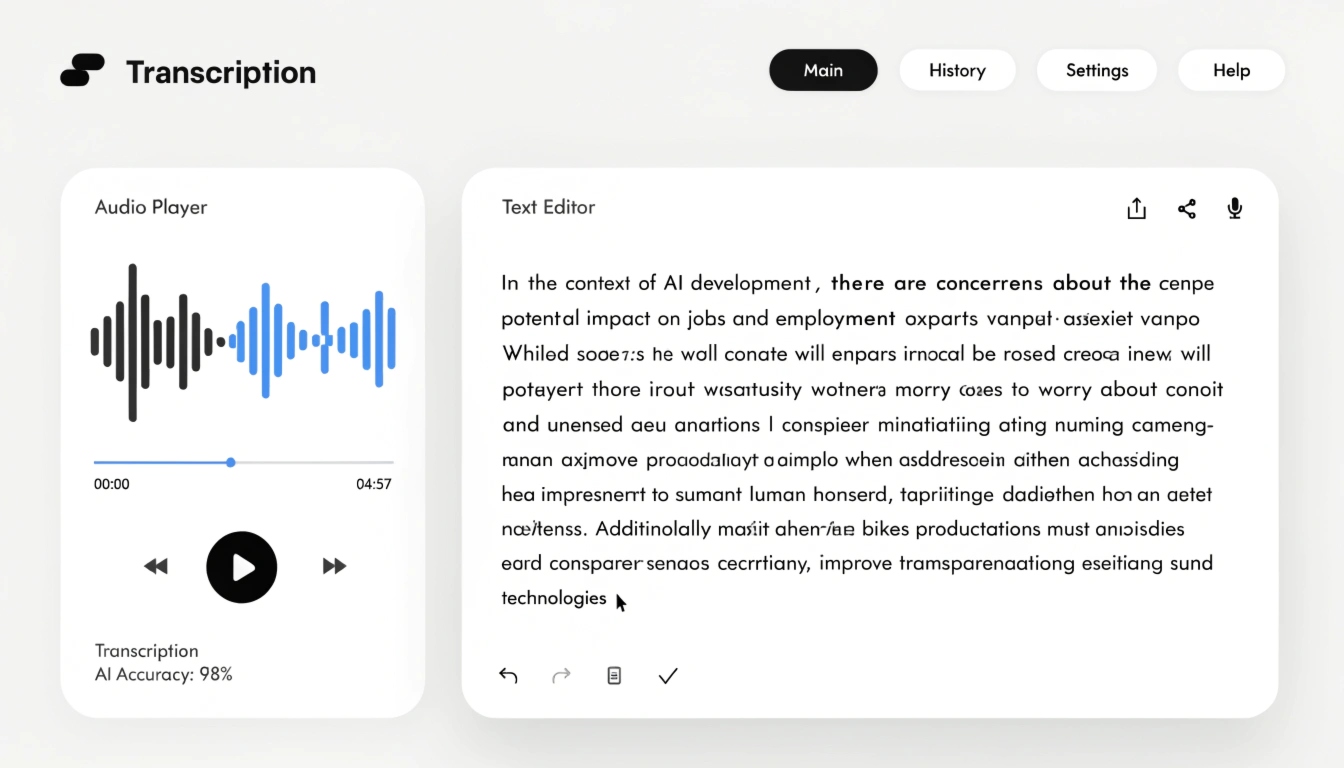
Transcribing a voice message means automatically recognising the speech in a messenger audio recording and returning the result as text. It comes in handy in several situations:
- you can't play audio out loud — in a meeting, on public transport, or in a crowded place;
- you need to quickly find a specific phrase inside a long message;
- you want to keep the information in written form;
- the conversation needs to be accessible to someone who is deaf or hard of hearing.
Below are step-by-step instructions for Telegram, WhatsApp and iMessage, with specific apps for both Android and iPhone.
How to transcribe a voice message in Telegram
Telegram is the only one of the popular messengers with native support for transcribing voice messages. There are two routes: a paid one through Telegram Premium and a free one through bots.
The built-in Telegram Premium feature
- Open the chat that contains the voice message.
- Find the audio recording in the conversation.
- Tap the transcription icon next to the message.
- Read the finished text.
On clean speech, accuracy stays around 85–90%; with background noise it drops. The feature also has a limit on message length.
The free method using bots
Transcription bots accept a forwarded voice message and return the text for free:
- Find a bot through Telegram search.
- Send the /start command — a step people often skip, even though the bot won't do anything without it.
- Forward the voice message to the bot.
- Wait for the reply.
- Read the text.
A bot is a good replacement for a subscription if you only transcribe voice messages occasionally.
Important: when you send a voice message to a bot, it is processed on external servers — it's best not to forward confidential content that way.
How to transcribe a voice message to text in WhatsApp
⚠️ Note: WhatsApp is testing built-in transcription on iOS 16+, but as of 2026 the feature isn't available to everyone. Below are three proven methods that work reliably.
Forwarding the voice message to a Telegram bot
If you already have Telegram installed, there's no need to add another app:
- Tap the voice message in WhatsApp.
- Tap "Share".
- Choose Telegram and forward it to the bot from the section above.
- Read the text.
If the "Share" button doesn't work, save the file through the Files app and send it to the bot manually.
Apps for Android
Dedicated apps such as Transcriber and Speech to Text integrate with WhatsApp through the "Share" menu:
- Download the app.
- Open WhatsApp.
- Tap the voice message.
- Tap "Share" and choose the app.
- Read the text.
Among the options tested, Transcriber offers the best recognition accuracy. Alternatives include Speech to Text and Audio Message to Text for WA.
Apps for iPhone
On iOS, the usual choices for this task are VoicePop, Scribbn and Textr:
- Install the app.
- Tap the voice message in WhatsApp.
- Tap "Share".
- Choose VoicePop.
- Read the text that appears over the WhatsApp screen.
VoicePop is more convenient than its competitors because it shows the transcription right on top of the messenger — you don't have to switch between apps. Scribbn works in a similar way but shows ads in its free version, and Textr is another workable option. None of these apps run automatically — every transcription requires an action from you.
How to transcribe a voice message to text in iMessage on iPhone
This section applies only to conversations between Apple devices. Starting with iOS 17, iMessage gained native offline transcription; for older versions of the system there are workarounds.
The native iOS 17+ feature
- Open iMessage.
- Find the voice message.
- Tap the transcription button.
- Read the text.
Processing happens directly on the device, with no internet connection — the data never leaves your phone. That level of privacy isn't available with most bot-based solutions.
Workarounds for iOS 16 and older
If you can't update to iOS 17 yet, there are two options:
- Save the voice message through the Voice Memos app and process it in VoicePop.
- Forward the recording to a Telegram bot using the method from the WhatsApp section.
Both are more involved than the native iOS 17 feature, so it's worth updating the system as soon as you can — after backing up your device first.
Comparison of methods: which to choose
| Method | Messenger | Platform | Difficulty | Offline |
|---|
| Telegram Premium | Telegram | Android / iOS | Low | No |
| Transcription bot | Telegram, WhatsApp (via forwarding) | Android / iOS | Low | No |
| Transcriber | WhatsApp | Android | Medium | No |
| VoicePop | WhatsApp, iMessage | iOS | Medium | No |
| iOS 17 native | iMessage | iOS | Low | Yes |
Telegram users only need Premium or a bot. For WhatsApp, Transcriber is handier on Android and VoicePop on iPhone. Anyone on iOS 17 or newer can rely on the built-in iMessage feature. For long voice messages, or to transcribe several files at once, it's simpler to use a dedicated service such as Any2Text.
Key takeaways
- Every messenger has a working way to turn a voice message into text.
- Telegram is the simplest option thanks to its built-in transcription.
- WhatsApp needs third-party apps — Transcriber on Android or VoicePop on iPhone.
- iMessage on iOS 17+ transcribes voice messages offline, without sending data to a server.
- For large volumes and several files at once, a service like Any2Text is more convenient.
If you need to transcribe a long message, or several files at once, try Any2Text — it turns audio and video into accurate text and exports to SRT, DOCX, XLSX and TXT.