Audio
How to convert audio to text
A complete guide to turning audio into text: the step-by-step process, tools compared and expert tips for accurate transcripts.

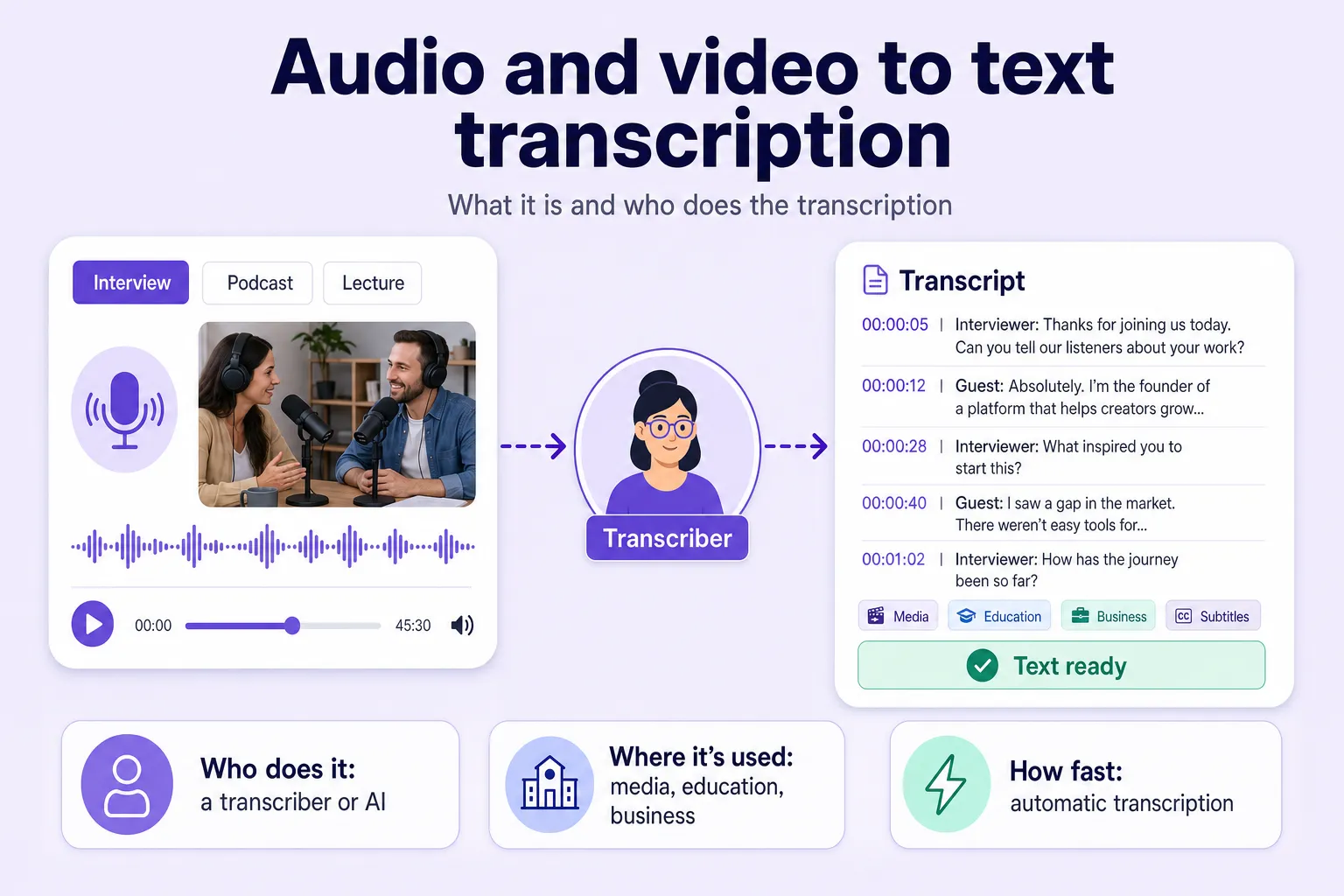
A huge amount of information today lives in audio and video: interviews, podcasts, lectures, webinars, calls and live streams. But working with text is far more convenient — you can search it, edit it, publish it and analyse it.
That is exactly why transcription — turning audio or video into text — has become so popular.
In this article we will cover:
Transcription is the process of converting spoken words from audio or video into a written format.
Put simply: you record a conversation, an interview or a lecture, and then turn that recording into text.
It can be:
Transcription can be done manually by a person or automatically with speech-recognition services.
A transcriptionist is a specialist who turns an audio or video recording into text. Their job is to listen carefully to the recording and accurately capture everything that was said.
Depending on the task, the text can be:
Pauses, filler sounds and speech quirks are all preserved.
Example:
"Well… uhh… I think it's… possibly."
Repetitions and filler words are removed.
Example:
"I think it's possible."
A transcriptionist's work involves several kinds of tasks.
Journalists and bloggers turn recorded conversations into text for their publications.
Education platforms often publish text versions of their lectures.
The text is synchronised with the video and used as subtitles. See video to text for how this works in practice.
Companies turn recordings of meetings into text for analysis and reporting.
Medicine, law and science all demand accurate transcription of technical terminology.
Converting audio to text is now used in almost every field.
A text version of a video helps you:
There are several formats for transcribing audio.
It captures:
Used in:
The text is stripped of conversational clutter and becomes easy to read.
Suitable for:
This is a short summary of what the recording contains.
Used in:
This additionally includes:
Transcription used to be done only by hand, and it took a great deal of time.
Today people increasingly rely on automatic speech-recognition services.
They let you:
This speeds up the transcription process by 10–20 times. You can even transcribe speech straight from a browser.
If you need to turn a recording into text quickly, the easiest option is a dedicated service.
For example, Any2Text lets you:
It runs on Whisper, one of the most accurate open speech-recognition models from OpenAI, and exports to SRT, DOCX, XLSX or TXT. It handles common formats such as MP3, MP4, M4A, WAV, MKV, MOV, AVI, FLV, OGG, AAC, AIFF and AMR.
The service is a good fit for:
Browse the full set of transcription tools to find the right one for your files.
Transcription is an essential tool for working with audio and video content.
It helps you:
This once required the work of a transcriptionist, but today most of the job can be automated with speech-recognition services.
If you need to convert audio or video to text quickly, give Any2Text a try.
A complete guide to turning audio into text: the step-by-step process, tools compared and expert tips for accurate transcripts.
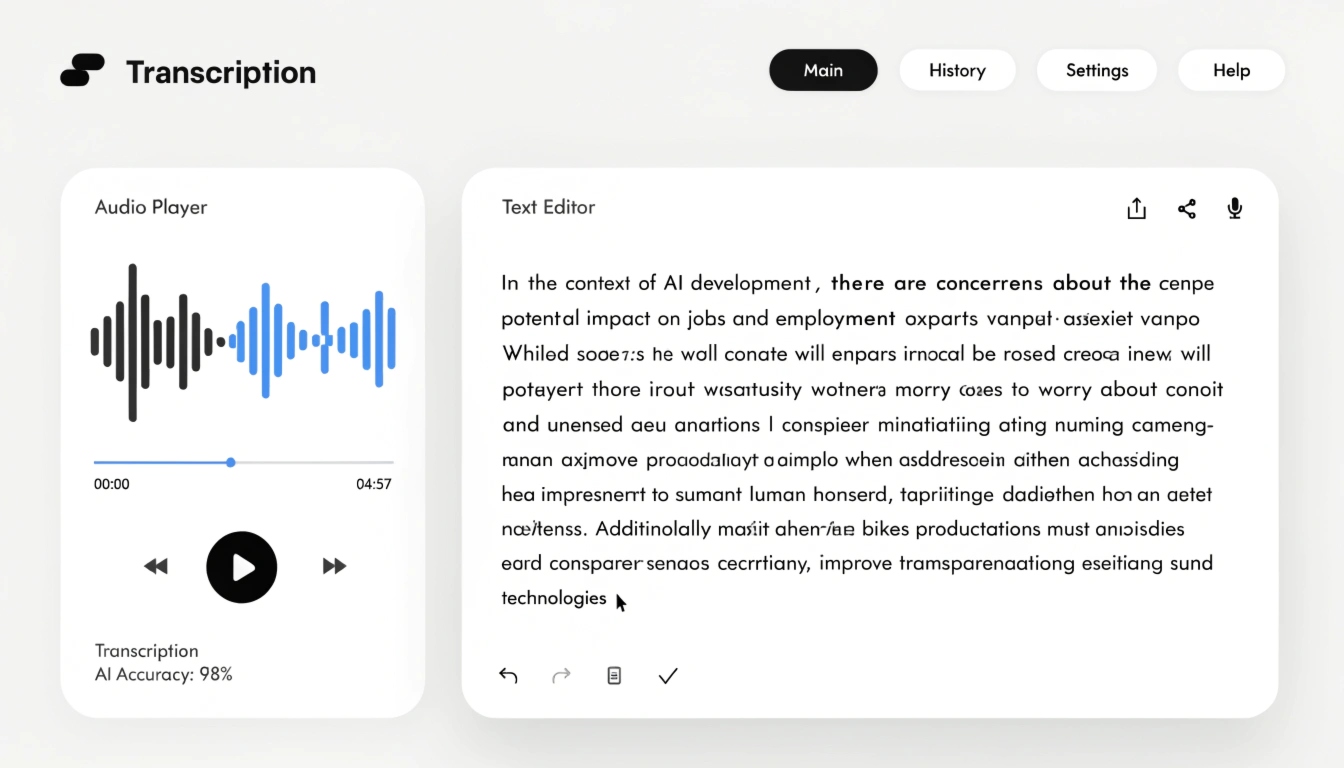
What transcription really means, how it works and when you need it — explained in plain language for beginners.
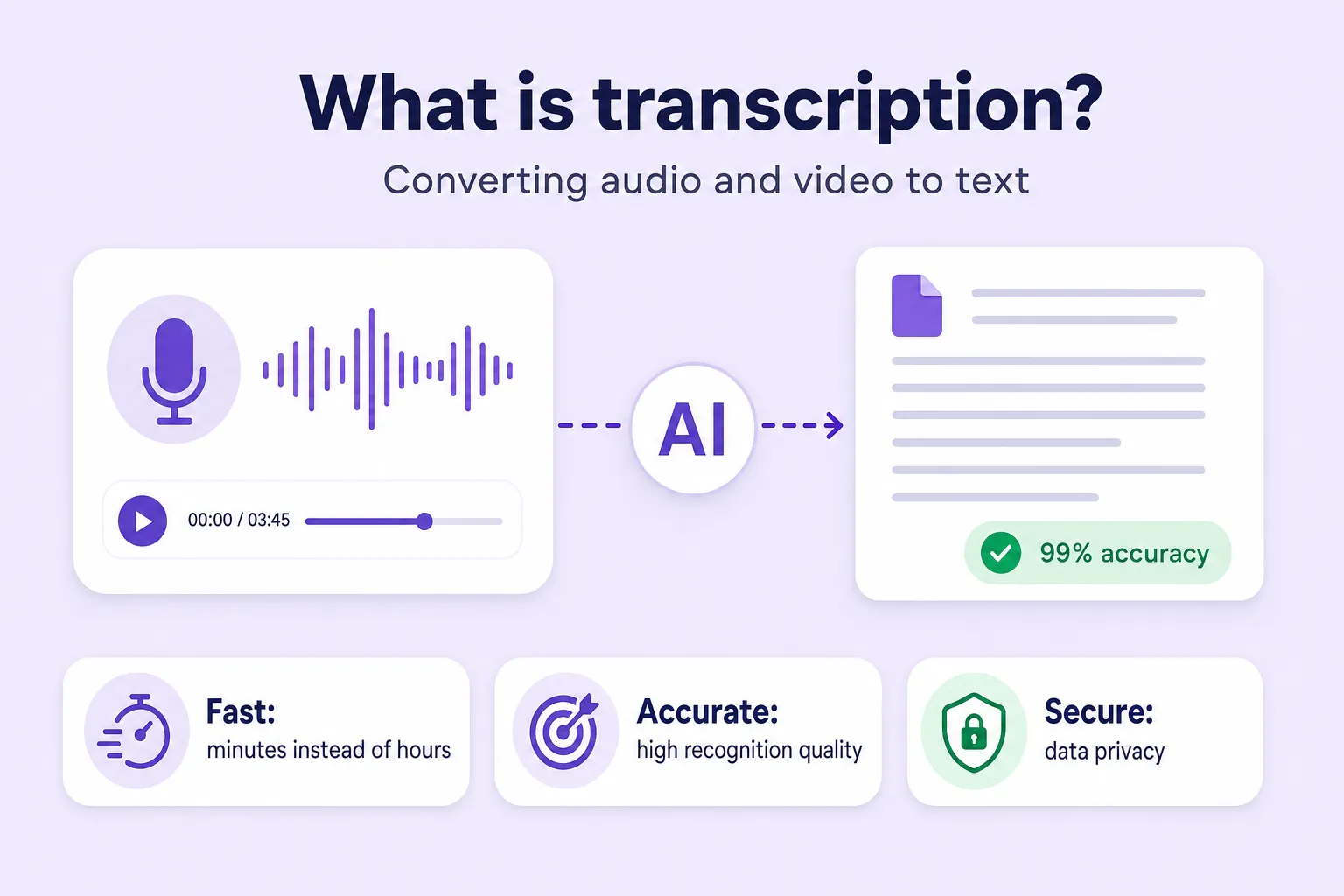
Transcription turns spoken words from audio and video into written text. Learn the types, how speech recognition works, and where it is used.